Reading Options
These options change this article. You can also use your browser’s zoom.
SUPPORT · 7 MIN READ
How to Contact Win Bonanza Support and Get the Right Help
By Sierra Ceres Getting Help
Last Updated:
Quick Answers
- Contact Win Bonanza support through our Help Center or [email protected].
- Include the problem, date, time zone, exact message, and any case or request number.
- Never send passwords or one-time codes. Reply in the same case when you have new details.
From Sierra’s Systems Notes
“It Stopped” Gave Us a Place to Start
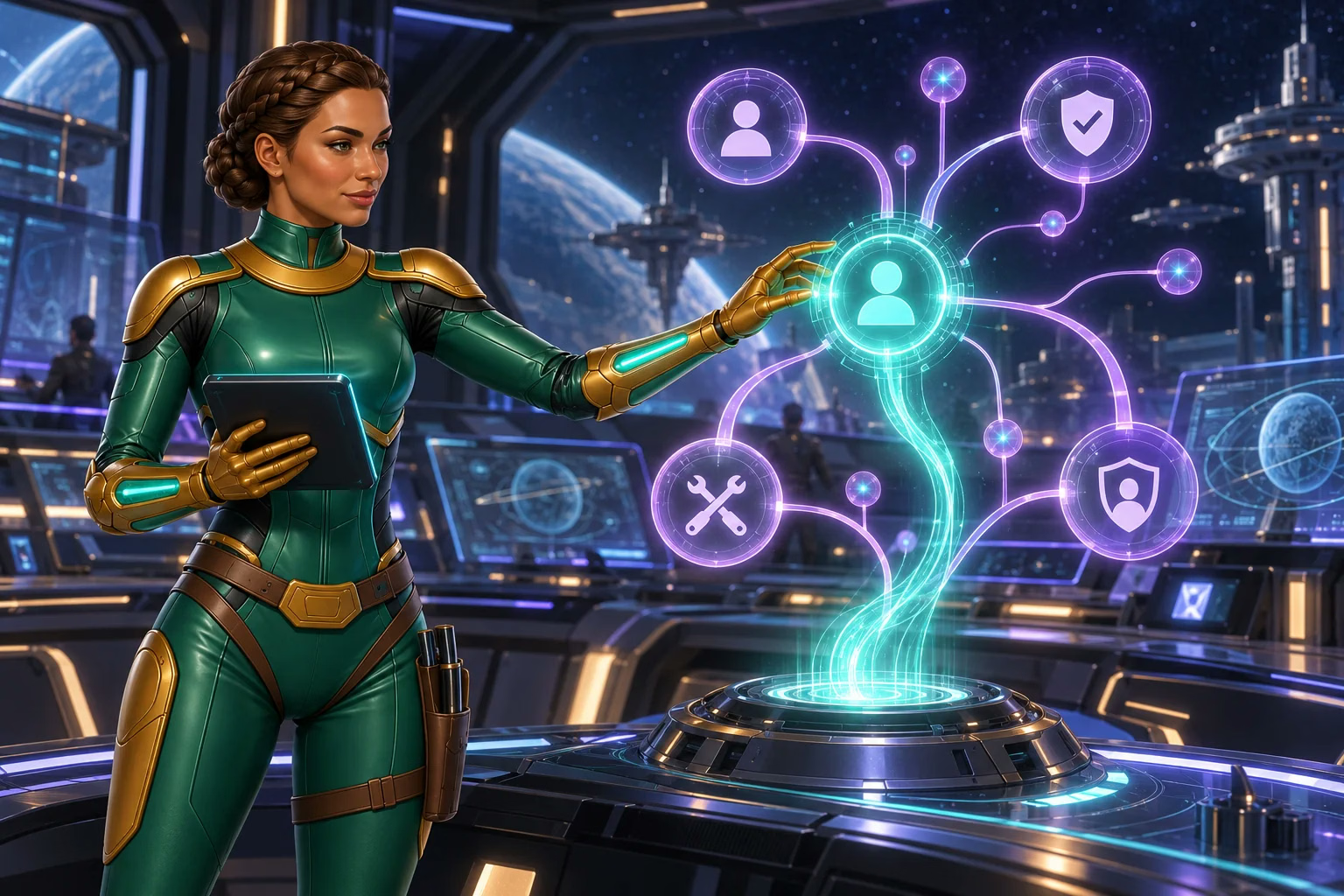
In the Ceres Garden Ring repair bay, crew members often arrived with a pump or heater and the same report: “It stopped.” That was not enough to diagnose the problem, but it was enough to begin. I asked what the equipment had been doing, which light changed, and when they first noticed it.
You can contact our support team, Mission Control, the same way. Describe what you saw in ordinary language, then add the time, the exact message, and the last step that worked. You do not need to diagnose the problem yourself. A few clear facts give support a useful place to start.
Where to Contact Us
Use our Help Center for articles and support tickets. Or email Win Bonanza’s support crew. Open the site yourself if a message you did not expect offers a support link.
Write from your account email if you can. If you cannot use that inbox, ask us how to recover access. Keep the repair in one place: our one-active-account rule still applies while we help.
Send questions about personal data to [email protected], the contact listed in section 13 of our Privacy Policy. Our privacy guide explains those requests. If someone may have accessed your account or private data, tell support right away.
Name the Problem in the Subject
| Subject | Useful first detail |
|---|---|
| Unable to sign in | The message you see and when it appeared |
| Address document rejected | The document type and reason given |
| Game stopped during play | Game title, time, and device |
| Gold Coins (GC) missing after purchase | Purchase reference and status |
| Question about my prize request | Request number and status shown |
| Close my account | A clear request to close the account |
Choose the form category that fits your issue. For closure, select Close my account or request closure by email. For a break, name Time-Out or Self-Exclusion. If you need help with a limit, ask support which account restrictions are available.
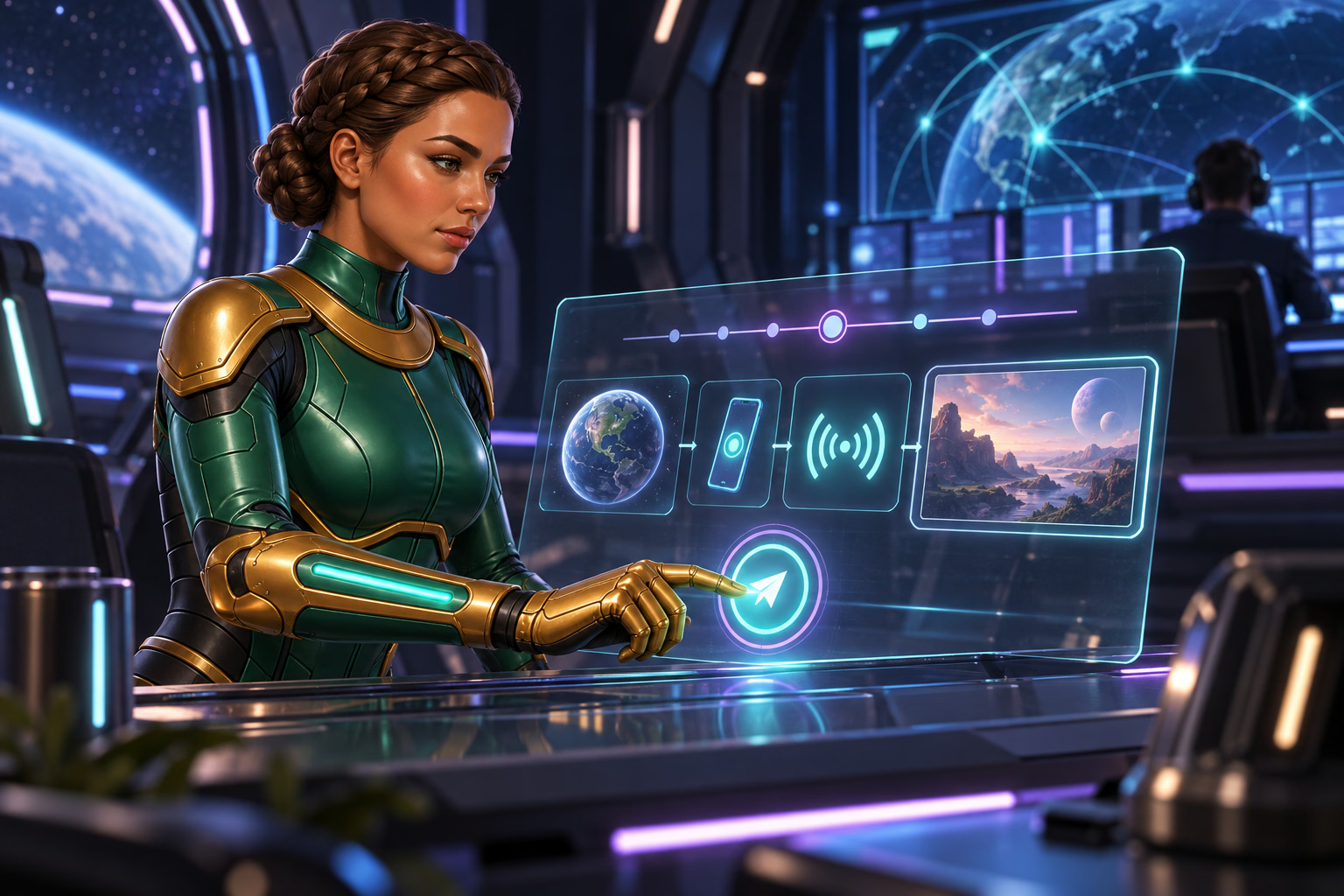
If a purchase is subsequently declined, contact us immediately. If its status is unclear, save the reference and pause. Repeated clicks are a poor diagnostic tool; check the automated-purchase prohibition and multiple-purchase abuse rule before trying again.
What to Put in Your Message
Start with one sentence about the problem. Add the details that help us find it:
- Your account email and username, if asked for.
- The date, time, and time zone.
- The page, game, or account task involved.
- Your device and browser, if the issue is technical.
- What you tried to do and what happened instead.
- The exact error and any request or case number.
- The steps you have already tried.
- The answer or action you need next.
For example: “My address file was rejected yesterday. The notice says the date is missing. It is on page two. Did both pages arrive? Please tell me which file to send again.”
Share the Right Details Safely
A screenshot or short recording can help with a technical issue. Show the error and useful reference. Leave out unrelated tabs, private messages, and other personal details.
ID and bank documents have different rules. Follow the file instructions sent through our official account-check process. Send clear, complete files in the requested format. Ask which details must stay visible before covering anything. Section 5.10 of the Sweepstakes Rules lists examples of documents we may request.
Never send your password, one-time code, full card number, or bank login. If a message asks for these or control of your device, stop. Check the request through our Help Center.
Sierra’s Field Note
Include the Time Zone
During a station power fault, our navigator noticed a brief movement every thirteen minutes. My power log showed a dip at those same times. Once we confirmed that both records used the same clock and time zone, the two observations lined up and showed us where to investigate.
“Last night” can mean different hours to different people. A date, time, and time zone give everyone the same reference point. You do not need to remember every click in between; one reliable timestamp can connect the details that matter.
Help Support Understand the Problem
-
Describe It
Say what you tried, what you expected, and what happened. Include the time and time zone.
-
Add Useful Records
Attach only the details or screenshots needed to show the problem. Protect private information.
-
Keep One Thread
Save the case number and send updates in the same conversation.
Clear details can reduce follow-up questions. They do not guarantee a faster place in the queue or approval.
Reply in the Same Case
Save your case number somewhere outside the account. Use the same thread for new details, requested files, and follow-up questions. Several tickets about one problem can split the useful facts.
Our Help Center gives a typical account-check estimate of 3–7 business days after all requested documents arrive. It can take longer if more information is needed or request volumes are high. After seven business days without an update, ask whether we have the full set. This is an estimate for account checks, not a response deadline for every support ticket.
Prize verification has a separate clock. Section 6.1 of the Sweepstakes Rules allows up to one month after we receive all requested documents and the account passes the identity and legal reviews. That is a review period, not a promised prize-arrival date. Ask which stage your request has reached.
For a rejected file, see our document fixes. For a pending prize, read about prize request delays.
If you are raising a dispute, section 11.4 of the Terms starts with an email to support. It sets a 30-day informal-resolution period from that email before either party may pursue arbitration under section 11. Keep that date in your notes; it is not the usual support-response target.
Tell Us About Safety Needs Right Away
If someone may have used your account, put that in the subject. Tell us what you saw. From a trusted device, secure your email and change any exposed passwords while we review the account.
If you need a Time-Out or Self-Exclusion, ask for it by name. Ask when it starts, and save our reply. An approved Time-Out runs for the chosen period and cannot be reversed. Self-Exclusion lasts at least six months and cannot be cancelled or changed during that period. You can also seek outside support for your wellbeing while we handle the account request.
Leave a Clear Handoff
The crew member did not need to tell me why the pump had stopped. I needed its name, the time, and what they had observed.
Your support message can be just as simple: use an official contact, share the facts you know, and ask what should happen next. Mission Control can take the investigation from there!
Your Next Step
Send an official ticket with the problem you need help with.
Frequently Asked Questions
- How do I contact Win Bonanza customer support?
-
Use our Help Center or email [email protected]. If an unexpected message offers help, open the official site yourself before sharing account details.
- What should I include in a support request?
-
Explain what you tried and what happened. Include the date, time zone, exact error and any request or case number. For a game issue, add the game name, device and browser.
- Should I open a new ticket to follow up?
-
Reply in the same case when you have more details. Keep the case number and ask what step is still waiting. One clear thread helps support follow the history.
- Should I send my password or a one-time code to support?
-
No. Never send passwords or one-time codes in messages. Send requested identity or bank files only through our official account-check process.
Sources
Sources checked . Policies and support guidance can change. The policy links in this guide open the relevant PDF pages.
- Win Bonanza Help Center
Our official Help Center and support topics. - Help Center: Close My Account
The closure category in our support form. - Help Center: Interrupted Game Session
Useful details, screenshots, and recordings for a game problem. - Help Center: Verification Timing
How long account checks usually take and when to follow up. - Win Bonanza Privacy Policy: privacy questions; reporting a data concern.
- Win Bonanza Player Safety Policy: requesting help; Time-Out, Self-Exclusion and account closure.
- Win Bonanza Terms and Conditions: accounts — version 1.3, October 6, 2026. Other relevant clauses are linked in the guide.
- Win Bonanza Sweepstakes Rules: documents; prize verification timing.
FROM THE EDITORIAL DESK
Trust and Transparency
Written by Ella Hartly in the voice of Sierra Ceres, a Win Bonanza Crew character.
Ella Hartly built the Win Bonanza Crew around one idea: facts help more when people enjoy reading them. Her characters use stories and humor to make hard topics easier to follow. The facts about Win Bonanza come from the sources linked above.
Win Bonanza publishes these guides about our own service. The crew’s adventures are part of our story world and are entirely fictional. Ella Hartly is the real expert behind these characters, offering her insights and expert opinion.
Win Bonanza’s editorial process calls for checking sources, claims and links before publication and when rules change. Ella Hartly’s personal opinions and game preferences do not reflect the opinions of the brand Win Bonanza.