
Reading Options
These options change this article. You can also use your browser’s zoom.

Quick Answers
- Use a long password that you do not use anywhere else. Protect the email that receives your reset links too.
- Keep your account personal. Sign out on shared devices and never send passwords or one-time codes in messages.
- If someone may have accessed your account, secure it from a trusted device and contact our Help Center.
From Sierra’s Systems Notes
The Archive Needed More Than a Locked Door
During an emergency at the Ceres Garden Ring, we sealed the living archive, our temperature-controlled collection of rare plants and seeds, behind its security doors. The locks held. The temperature inside still began to fall.
The problem had not entered through the door. A fault in a small feeder line had cut power to the archive’s heater. I had to trace the circuit from the main supply, through the relay, and into the local heating system before I could isolate the damaged line.
A locked door is excellent at being a door, but it isn’t a heater.
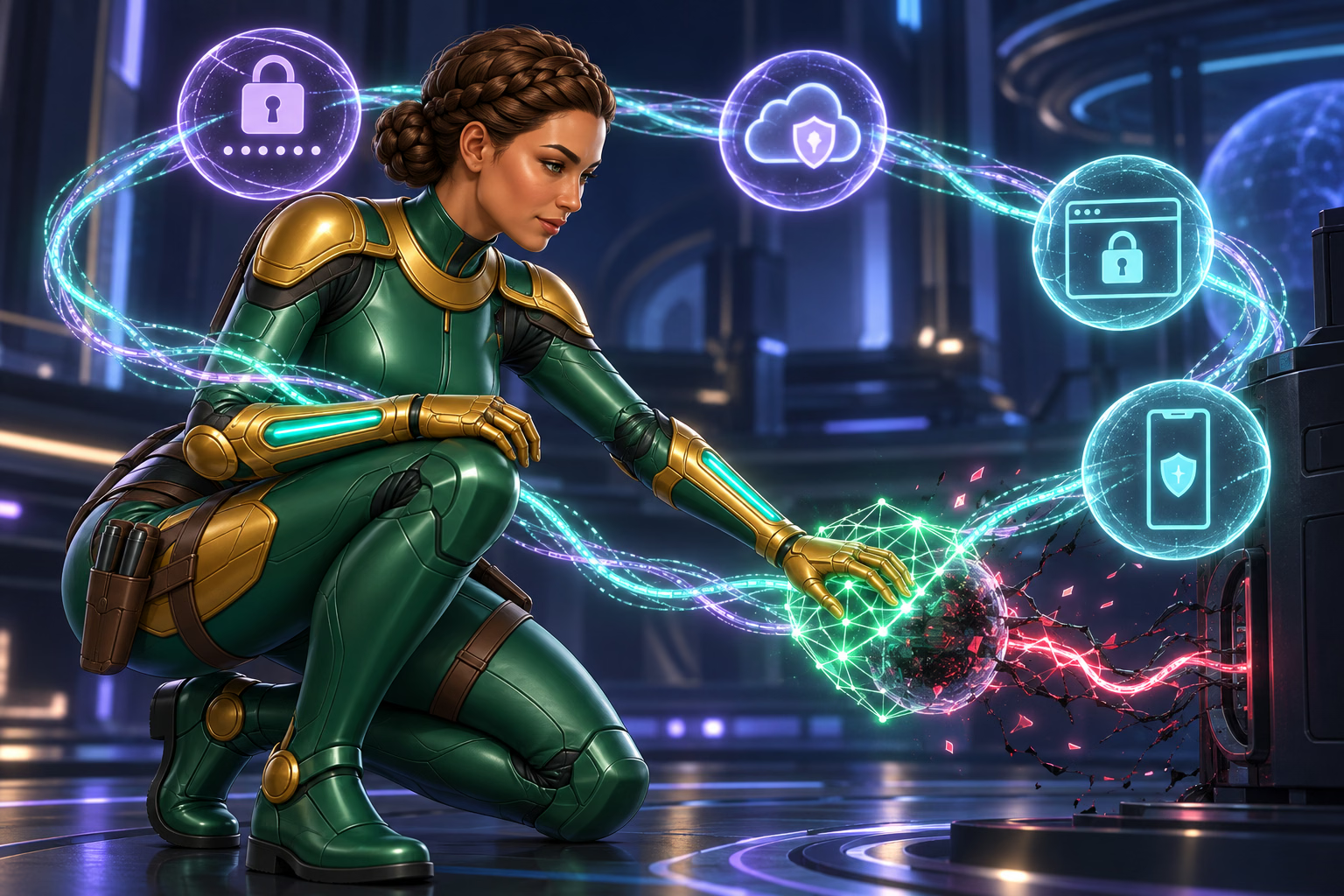
Account security also depends on more than one control. Your password matters, but so do the email account that receives reset links, the phone that displays security codes, the browser that may keep you signed in, and the device someone else could open.
Keep Your Account Under Your Control
We allow one Win Bonanza account per person. Keep your details correct and your login and purchase information private. Do not let anyone else use your account, even someone you trust. [1]
Ask support to help with name or account changes. Do not create a second account to get around a login or identity check. Do not hide your location to bypass our play rules. [1]
If someone may have your login details, tell us promptly. Save what you saw and start securing the account. [1]
Use a Long, Unique Password
Give Win Bonanza a password you use nowhere else. If one reused password is stolen, other accounts can be at risk too. Avoid public facts, common quotes, or small changes to an old exposed password. [4]
A trusted password manager can create and save strong passwords. Protect the manager with a strong lock. Keep it locked on shared devices. Password dots do not protect a saved login from someone who can use the browser. [4]
Enter one-time codes only in the official process you opened. Never read or send a code to someone in a call, chat, or social message.
How to Reset Your Password
-
- Open Win Bonanza yourself.
- Select Log in, then Forgot Your Password?
- Enter your account email and send the request.
- Open the reset message you asked for and choose a new, unique password.
If the email does not arrive, check the address and filtered folders. Use the resend option or contact Mission Control. [3]
If you did not ask for a reset, do not use an unexpected message’s link. Open our site yourself and report the message. If you cannot use your account email, ask support how to recover access. Do not create another account.
Watch What a Message Asks You to Do
Phishing is a trick that uses a fake message or page to steal private details. A sender can copy our logo and words. Check the request through our site instead of trusting its look. [5]
| The message asks you to… | Your next step |
|---|---|
| Open an unexpected login link | Open our site or Help Center yourself. |
| Send a password or code | Keep it private and contact support. |
| Send ID in a private chat | Use our official account check process. |
| Install remote-control software | Stop and check with official support. |
| Rush before a prize timer ends | Leave the message and check the real offer rules. |
Our scam guide explains what to do if you already replied. A real account problem does not prove a message about it is real.
Sierra’s Field Note
Check the Path Back In
Replacing the archive’s damaged relay would have restored the heater. It would not have removed the fault in the feeder line. If I had repaired only the part in front of me, the same problem could have returned through the connection I left unchecked.
Before installing the replacement, I isolated the damaged line, checked the upstream controls, and confirmed that the heater would receive clean power. Fix the fault, then check its path back in.
Use the same approach after an account-security concern. Changing your password helps, but someone who still controls your email may be able to request another reset. Secure the inbox, review its recovery settings, and check whether any unfamiliar sessions remain open. [4]
Protect Your Account and Recovery Email
-
Secure Your Email
Protect the inbox and recovery settings that can reset your account.
-
Check Account Access
Use a trusted device to change exposed sign-in details and check any session controls.
-
Report What Happened
Tell official support what changed and when you noticed it.
Security options vary. Check which sign-in and session controls each service offers.
Lock the Device as Well as the Account
Keep your browser and device up to date. Lock the screen when you leave. Sign out on shared devices and close email and account-check pages. Hide private phone previews and remove extra private downloads.
Use your own locked device account when possible. A browser profile alone may not keep other people out. Our shared-device guide gives you a short handoff routine. [6]
If Someone May Have Access, Take These Steps
-
- Leave suspicious chats, pages, and remote-control sessions.
- From a trusted device, secure your email and check its recovery settings.
- Change exposed or reused passwords. Use our official reset steps for Win Bonanza.
- Check for unknown sessions and sign them out where that service allows it.
- Save alerts, changed details, times, and relevant account activity.
- Report the concern through our Help Center.
A password change may not end every open session. If you are unsure who still has access, ask support. Our support guide helps you report the facts safely.
Care for Every Part
Once the damaged line was isolated, we replaced the relay, restored the heater, and watched the archive return to its proper temperature. Then we tested the circuit again. A repair is not complete because the first indicator turns green.
Protect your account the same way. Use a unique password, secure the recovery email, review the phone and device connected to the account, and report activity you do not recognize. If an unfamiliar session may still be active, ask official support what controls are available.
No single control protects every part of a system. The small connections deserve attention too. My archive was quite firm on that point.
Your Next Step
Report account activity you do not recognize through our Help Center.
Frequently Asked Questions
- How can I make my Win Bonanza password stronger?
-
Use a long password that you do not use on another service. Protect the email account that receives your password-reset links too.
- How do I reset my Win Bonanza password?
-
Use the password-reset option on the official sign-in page and follow the message sent to your account email. If you cannot access that inbox, ask support for help.
- Can I let someone else use my Win Bonanza account?
-
No. Keep your account personal. Do not share login details or one-time codes, and sign out before someone else uses your device.
- What should I do if someone may have accessed my account?
-
Use a trusted device to secure your account and email. Contact our Help Center, explain what happened and keep useful notices or records. Never send passwords or codes in a support message.
Sources
Sources checked September 8, 2026. Rules and offers can change. Open the links below to read the full details.
- Win Bonanza Terms and Conditions
Keeping control of your account, correct details, and reporting unwanted access. - Win Bonanza Privacy Policy
Our safeguards, their limits, and where to report a concern. - Help Center: Password Reset
The official steps to reset your password. - FTC: Creating Strong Passwords and Other Ways To Protect Your Accounts
Strong passwords, password managers, email safety, and extra sign-in checks. - FTC: How To Recognize and Avoid Phishing Scams
How to check suspicious messages and act if details were shared. - Google Chrome Help: Manage Chrome With Multiple Profiles
Why a browser profile alone may not keep another device user out.
FROM THE EDITORIAL DESK
Trust and Transparency
Written by Ella Hartly in the voice of Sierra Ceres, a Win Bonanza Crew character.
Ella Hartly built the Win Bonanza Crew around one idea: facts help more when people enjoy reading them. Her characters use stories and humor to make hard topics easier to follow. The facts about Win Bonanza come from the sources linked above.
Win Bonanza publishes these guides about our own service. The crew’s adventures are part of our story world and are entirely fictional. Ella Hartly is the real expert behind these characters, offering her insights and expert opinion.
Win Bonanza’s editorial process calls for checking sources, claims and links before publication and when rules change. Ella Hartly’s personal opinions and game preferences do not reflect the opinions of the brand Win Bonanza.