
Reading Options
These options change this article. You can also use your browser’s zoom.
ACCOUNTS · 5 MIN READ
How to Close Your Win Bonanza Account
By Sierra Ceres Account Closure & Inactivity

Quick Answers
- We close your Win Bonanza account seven days after your request. Any balance left then is lost.
- Your Sweeps Coins (SC) expire 60 days after your last login. We may also turn off account access after 18 months with no activity.
- Account closure, data deletion, and stopping promotional messages are separate requests.
From Sierra’s Systems Notes
The Quiet Bay Still Needed Heat
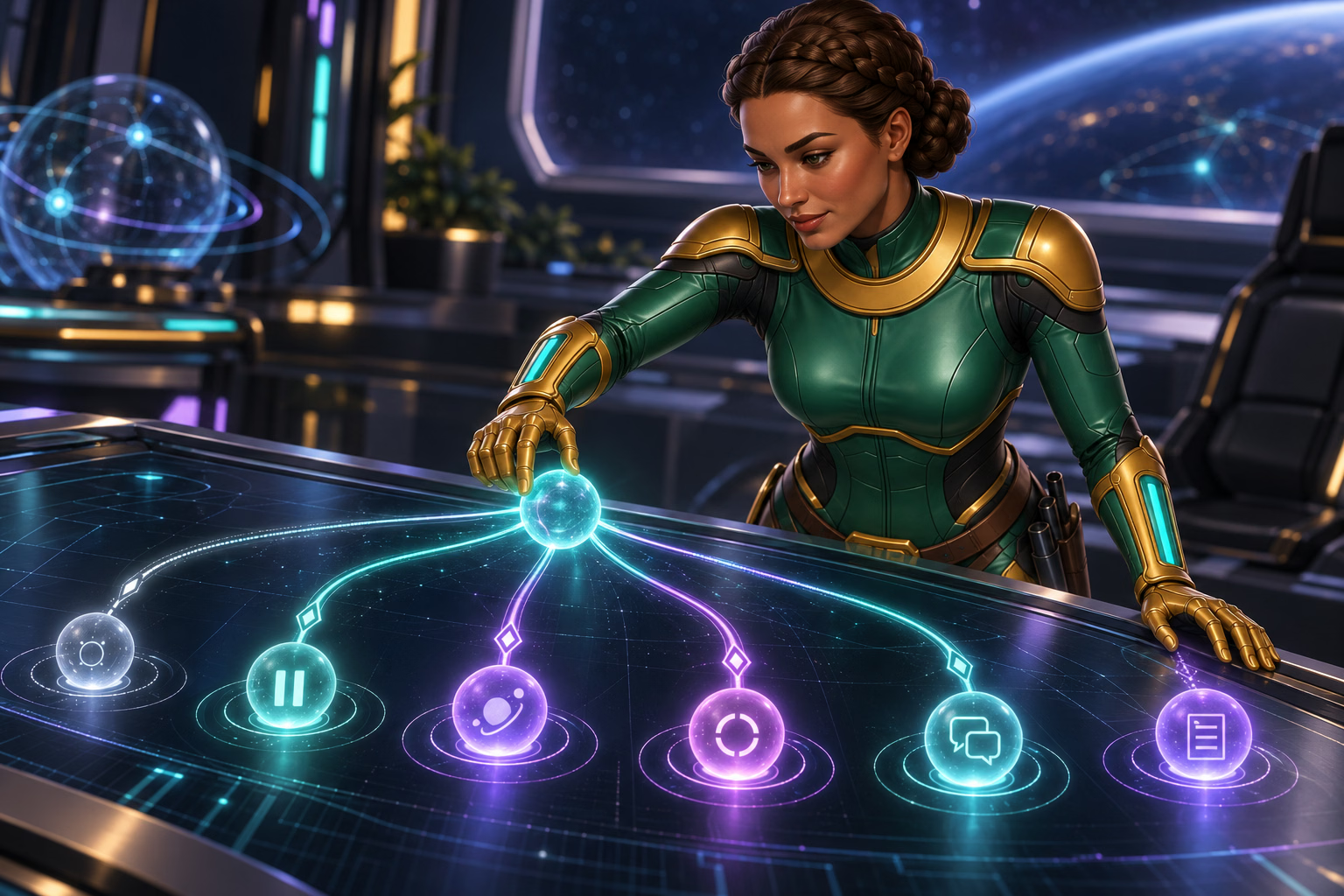
An unused work bay at the Ceres Garden Ring was scheduled to be shut down. The tools were packed, the crew had moved on, and the room looked completely disconnected. Before closing its main heat valve, I traced one small branch pipe. It was still supplying a warming cabinet filled with rare seedlings in the next room.
Turning off the valve would have closed the bay and left the seedlings without heat. So I paused and checked what was still connected before touching anything else. Give an account closure the same care: review your balance, open requests, and records before deciding what needs to happen next.
Choose What You Want to Change
| I want to… | What to ask for |
|---|---|
| Close my account | Account closure through Mission Control, our support team |
| Take a short break | A Time-Out that blocks access for a set time |
| Take a longer, firm break | Self-Exclusion for at least six months |
| Stop offers and promotions | A communication opt-out |
| Ask for my data to be deleted | A separate written privacy request |
If you need a break from play, compare Time-Out and Self-Exclusion. A Time-Out ends after the set period. You cannot cancel or change a Self-Exclusion once it starts.
How to Request Account Closure
Open our Help Center and choose Close my account when you create a ticket. Or email [email protected]. Use your account email if you can.
Say clearly that you want to close your account. Save the date, case number, and our reply somewhere you can reach after the account closes. Never send your password or a one-time code.
We close your account seven days after your request. Any balance left then is lost. Before you send the request, ask us about any balance or pending prize request. Gold Coins (GC) cannot be redeemed for prizes. Sweeps Coins (SC) must meet our prize rules. A closure request does not skip those checks or ensure they will finish within seven days.
If you need an immediate break for your wellbeing, tell us. You can stop playing while we answer your account questions. Do not keep playing to reach a prize minimum.
Save the Details You May Need
Transaction History shows the past 14 days of purchases and prize redemptions. Save useful details while you can still see them.
-
- Keep open case numbers and our latest replies.
- Save dates and reference numbers for pending purchases or prizes.
- Check your email for requests for documents and any deadlines.
- Ask whether you need to do anything before access ends.
- Keep the closure reply outside your account.
Store private records in a safe place. Do not leave ID photos or bank files in a shared Downloads folder.
Keep a Clear Record of Account Closure
-
Save Your Records
Keep case numbers, dates, and open requests somewhere you can reach after closure.
-
Request Closure
Use the official closure option. Ask about your balances and how the seven-day rule applies.
-
Keep the Reply
Save our confirmation. Send privacy or message requests as separate requests.
If you need a safety break, take it now. You do not need to keep playing.
What Happens If You Stop Logging In?
Your SC expire 60 days after your last login. We send an email notice before they expire.
We may turn off access to an account after 18 months with no activity. This is called deactivation. It does not mean every unused account loses access on a set day.
These rules are not reasons to cut a safety break short. Ask Mission Control about a balance if you are stepping away.
If you cannot log in, ask us what caused the problem. It could be a password issue, account check, or active break. Do not create a new account to get around it. We allow one account per person.
Sierra’s Field Note
Keep the Record Within Reach
I moved the seedling cabinet to another heat supply and waited until its temperature was stable. Then I recorded its new location. The transfer was not finished until both the seedlings and the record were secure.
Keep your closure date, case number, and unanswered questions together in one safe place you can reach later. You should not have to reconstruct an important process from memory after the account is closed.
Ask About Data and Messages Too
Closing an account does not delete all its data. We may keep records to answer account questions, handle disputes, or meet legal duties. We need your written permission to delete data. Some records may still need to stay for required checks. There is no single storage period for every kind of record.
For data requests, email [email protected]. Tell us what you want deleted. Ask what we must keep and how we will check your identity. See our privacy guide for other data choices.
To stop all promotional messages, email support with Communication Opt-Out as the subject. List the email addresses and phone numbers you want removed.
Keep Things Secure While We Finish
Once the seedlings were warm, the records were saved, and nothing else depended on the bay, I could shut it down safely. An account closure can end just as cleanly: take care of what remains connected, keep the records you may need, and then leave the finished system behind.
Protect your email and password until the case is closed. If a new message asks for a code or strange upload, check it through our Help Center first.
Your Next Step
Ask us about closure and save your case number.
Frequently Asked Questions
- How do I close my Win Bonanza account?
-
Choose Close my account in our Help Center or email [email protected]. State your request clearly and save the case number and reply somewhere you can access after closure.
- What should I check before asking to close my account?
-
Ask support about any remaining balance or pending prize request and save useful records. If you need an immediate safety break, say so; you do not need to keep playing while you wait.
- Does closing my account also stop messages and delete data?
-
These are separate requests. Ask support to stop promotional messages and contact [email protected] about personal data. Some records may need to be kept.
- Is an inactive account the same as a closed account?
-
No. SC expiry, possible account deactivation and requested account closure are different rules. If you cannot sign in, ask support what caused the problem instead of opening a second account.
Sources
Sources checked September 8, 2026. Rules and offers can change. Open the links below to read the full details.
- Win Bonanza Terms and Conditions
How to request closure, the one-account rule, and possible loss of access after 18 months of inactivity. - Win Bonanza Sweepstakes Rules
The seven-day closure rule, loss of remaining balances, SC expiry, and prize checks. - Help Center: Close My Account
The account closure option in our support form. - Win Bonanza Privacy Policy
Data we may keep after closure, deletion requests, and stopping messages. - Help Center: Transaction History
The 14-day history shown in your account. - Win Bonanza Player Safety Policy
How Time-Out and Self-Exclusion work.
FROM THE EDITORIAL DESK
Trust and Transparency
Written by Ella Hartly in the voice of Sierra Ceres, a Win Bonanza Crew character.
Ella Hartly built the Win Bonanza Crew around one idea: facts help more when people enjoy reading them. Her characters use stories and humor to make hard topics easier to follow. The facts about Win Bonanza come from the sources linked above.
Win Bonanza publishes these guides about our own service. The crew’s adventures are part of our story world and are entirely fictional. Ella Hartly is the real expert behind these characters, offering her insights and expert opinion.
Win Bonanza’s editorial process calls for checking sources, claims and links before publication and when rules change. Ella Hartly’s personal opinions and game preferences do not reflect the opinions of the brand Win Bonanza.