Reading Options
These options change this article. You can also use your browser’s zoom.
PLAYER SAFETY · 5 MIN READ
How to Plan a Safer Social Gaming Session
By Sierra Ceres Planning Your Session
Quick Answers
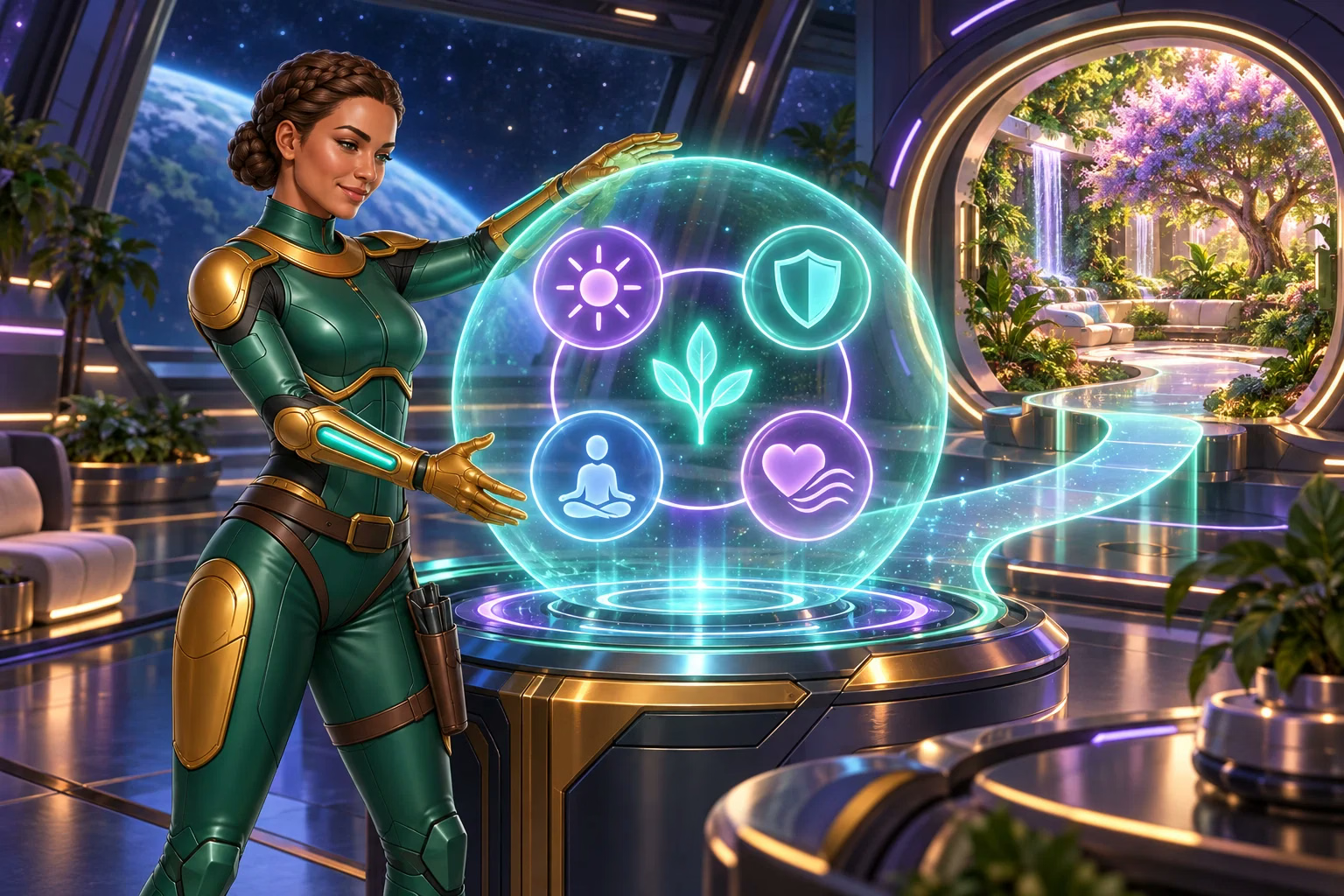
- Set a stop time and an optional purchase limit before you start a social gaming session.
- Stop when your alarm rings, even if you want to wait for a different game result.
- If you keep changing your limits, consider Taking a Break, Self-Exclusion or outside support.
From Sierra’s Systems Notes
The Pressure Graph I Kept
Early in my engineering career, I repaired a stubborn air pipe. The airflow gauge showed that air was moving through it again, so I assumed the repair was working. I was so focused on that reading that I failed to notice the pressure climbing beside it.
By the time I noticed, the pressure had passed its safe limit. We cleared half the repair deck while bringing it back down. The pipe was working. My plan? Not so much.
My lead engineer gave me four questions to use before touching another control: What is the job? What are the limits? When do you stop? How do you shut it down? I kept the sheet and the pressure graph. A gaming session benefits from the same preparation: decide its purpose, its boundaries, and its ending before you begin.
Decide What the Break Is For
“A short break after dinner” gives play a clear place in your day. “Until I feel better” gives it a job that may never end. Skip play if you are upset, worn out, avoiding a task, or hoping a result will fix your mood.
Leave room for work, meals, sleep, and the people who need you. Pick an end time before you start. You can stop sooner, or choose not to play at all.
Make Four Simple Choices
| Choose | Plan |
|---|---|
| Time | Set an end time and an alarm. |
| Optional purchases | Choose no purchase or a fixed entertainment limit. |
| Your next task | Keep your next meal, call, duty, or sleep time clear. |
| An early stop sign | Leave if you feel tense, rushed, or tempted to change a limit. |
No purchase is necessary to play, enter, or win. A purchase does not improve your chances. A purchase limit is there to protect your plans; it cannot change a game result.
Each limit matters on its own. Staying within a purchase limit does not make lost sleep okay.
Write a Plan You Can Use
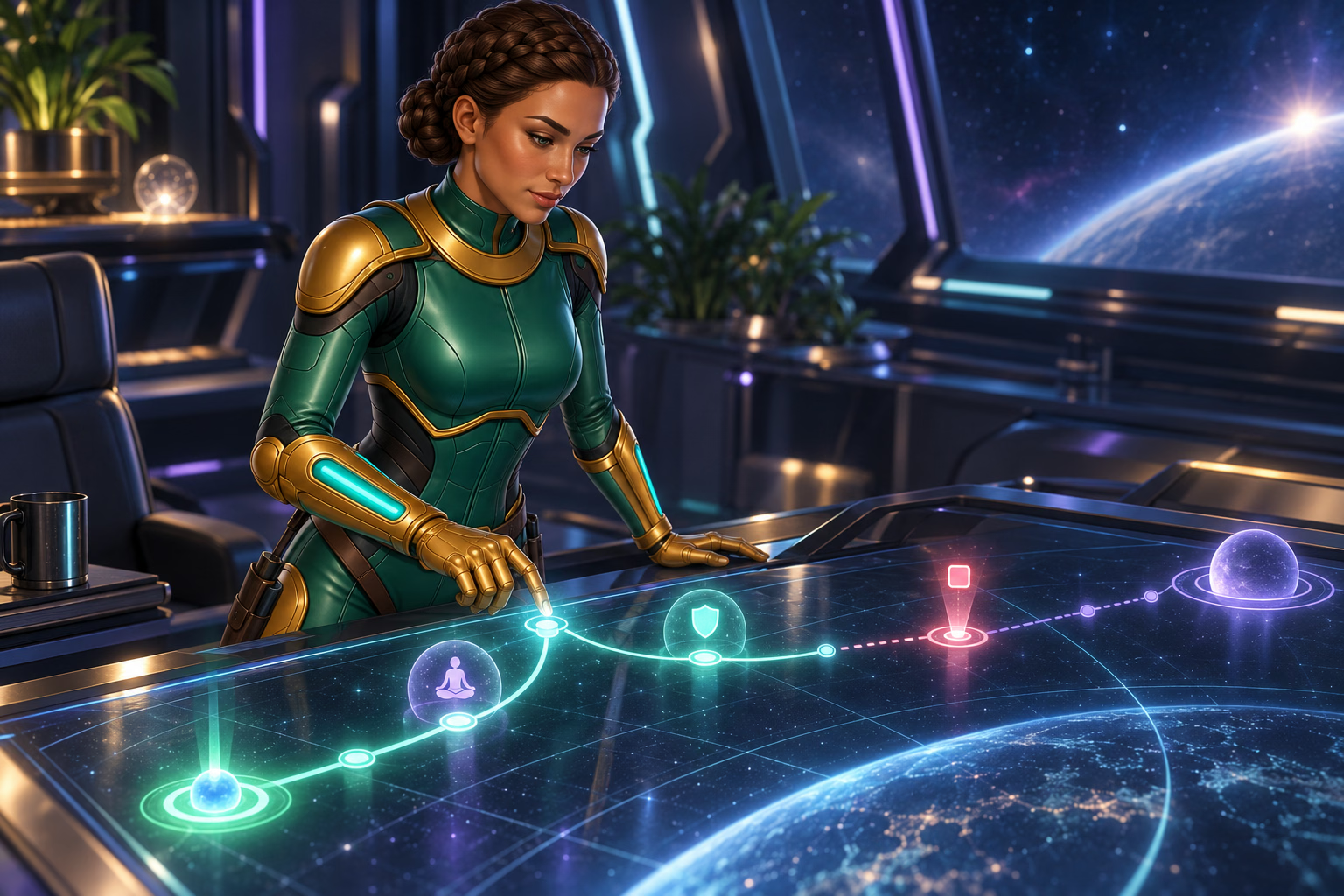
Try these prompts in a private note. Choose times and activities that fit your day. There is no single session length that is right for everyone.
-
- I am playing for a short entertainment break.
- I will stop at ______.
- I will make no purchase, or stay within the limit I chose: ______.
- I will stop sooner if ______.
- After I close the game, I will ______.
- If I keep changing my plan, I will ask for more support.
For example: “I will close before my evening call, put the tablet away, and make tea.” A clear next step is easier to follow than “I will find more balance.”
Let the Alarm Mean Stop
Set the alarm before play. Under Activity Reminder in the Player Safety menu, you can also choose 10, 30, 60, 120 or 180 minutes; the default is 60 minutes. The reminder pauses play, shows how long you have played and lets you stop or continue. It does not enforce your stop time. When your planned end time arrives, close the game, sign out and start your next activity. Put the device down or move to another room if that helps.
Watch for thoughts like “after the next result” or “when my balance changes.” Return to the end time you chose. You do not need a good final result to leave.
If there is not enough time for a calm break, skip the session.
Make Your Stopping Point Clear
-
Choose It Before Play
Write down your end time, signs to stop earlier, and what you will do next.
-
Act on It
Close the game and sign out when your timer or stop sign appears.
-
Review the Plan
If you keep moving your limits, consider a firmer account tool or outside support.
A plan cannot predict results. Seek support if play affects daily life.
Sierra’s Field Note
Rest Counts Too
Aboard the Wayfinder, I can always find another repair. That does not mean another repair needs me immediately. When I keep working past the end of my shift, the crew has been known to close my tool case and carry it away. Their method lacks subtlety, but the diagnosis is usually correct.
Rest is not time left unused. It is part of keeping the whole system working. What comes after a gaming session does not need to be productive: a walk, a meal, a conversation, or a quiet evening can be reason enough to stop.
Check How the Plan Worked
Did you stop on time? Keep your purchase choice? Protect sleep and other plans? Note what happened without being harsh with yourself.
Our Player Safety Policy has questions about stress, sleep, work, and relationships. They can help you spot a concern. They do not diagnose a problem or tell you how much play is safe.
If you keep moving the same limit, use stronger support. Our safer gaming tools guide explains the choices.
Ask for Help with a Firmer Break
Open Purchase Limit in the Player Safety menu for a limit on optional Gold Coin purchases over 1, 7, 14 or 30 days. Further purchases are blocked once the limit is reached, until it resets. Decreases apply immediately; increases or removal take effect after 72 hours. Applicable tax is excluded. Ask Mission Control, our support team, if you need help.
For a short break, Taking a Break offers 1, 3, 7, 14 or 30 days. Open Taking A Break in the Player Safety menu. Account access is blocked during the selected period, and you cannot reactivate it early.
Self-Exclusion offers 6, 12, 24, 36 or 60 months under Self Exclusion in the Player Safety menu. Permanent exclusion is available through a support ticket. You cannot cancel or change an active exclusion. Compare both break options and save confirmation of the start date.
If play is harming daily life, talk with someone you trust or seek help from a trained professional or support service. Account settings are only one part of support.
Give Your Break a Clear End
I kept that pressure graph because it records the exact flaw in my first plan: I had defined the job, but not the limit or the shutdown.
Before a gaming session, choose why you are playing, when you will stop, which boundaries you will keep, and what you will do afterward. If those limits keep slipping, stop recalibrating them during the session and add firmer support. You do not have to manage the system alone.
Your Next Step
Find help with the break or limit you need.
Frequently Asked Questions
- What should I decide before a social gaming session?
-
Set a stop time and choose your limits before you start. Decide what the session is for and what you will do when it ends. Skipping play is also an option.
- Should I extend my session to wait for a better result?
-
No. Stop when your planned time ends. A recent result does not change the stop time you chose before playing.
- What if I keep changing my limits during play?
-
Pause and ask for more support. Under Taking A Break in the Player Safety menu, choose 1, 3, 7, 14 or 30 days without account access or early reactivation. Self-Exclusion offers longer periods, including a permanent option through support. Outside support can help when a personal plan is not enough.
- How can I tell whether my session plan helped?
-
Check whether you kept your stop time and limits and how you felt afterward. Use that review to decide whether to adjust your plan or take a firmer break.
Sources
Player-safety details checked September 29, 2026 against Player Safety Policy v1.1, updated September 4, 2026. Rules can change. Open the policy below for the current details.
- Win Bonanza Player Safety Policy
Activity Reminder, Purchase Limit, Taking a Break, Self-Exclusion and signs of concern. - Help Center: Player Safety Policy
Additional support information. Use the linked Player Safety Policy for the control names, periods and steps described in this guide. - Win Bonanza Terms and Conditions
No purchase is needed, and purchases do not improve your chances.
FROM THE EDITORIAL DESK
Trust and Transparency
Written by Ella Hartly in the voice of Sierra Ceres, a Win Bonanza Crew character.
Ella Hartly built the Win Bonanza Crew around one idea: facts help more when people enjoy reading them. Her characters use stories and humor to make hard topics easier to follow. The facts about Win Bonanza come from the sources linked above.
Win Bonanza publishes these guides about our own service. The crew’s adventures are part of our story world and are entirely fictional. Ella Hartly is the real expert behind these characters, offering her insights and expert opinion.
Win Bonanza’s editorial process calls for checking sources, claims and links before publication and when rules change. Ella Hartly’s personal opinions and game preferences do not reflect the opinions of the brand Win Bonanza.